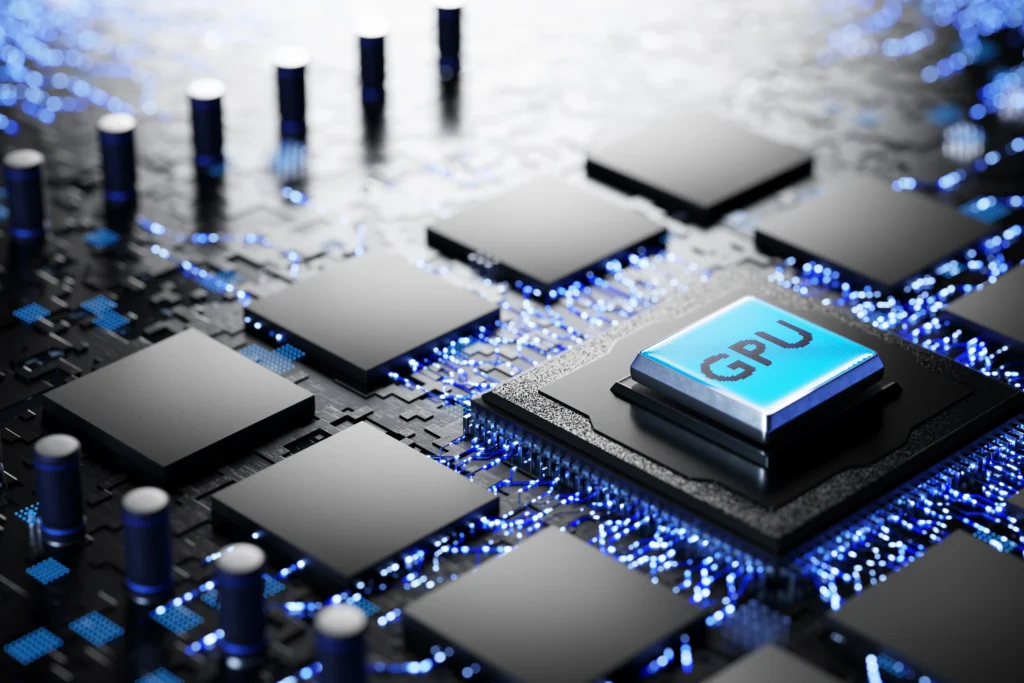
What is a GPU cluster in an OpenAI context? It is a connected group of GPU-powered servers that work together to train, fine-tune, and run large AI models faster than a single machine can.
For a business, the meaning is simple. A GPU cluster is the compute engine behind serious AI work. It helps AI platforms process huge amounts of data, serve many users at once, and keep model responses fast.
This matters because AI is no longer only a research task. Companies now use AI for chatbots, search, coding tools, document review, customer support, analytics, image generation, and automation. These systems need reliable compute. A GPU cluster for AI provides that compute at scale.
In this blog, you’ll learn:
- The GPU cluster meaning in simple words
- How GPU clusters support OpenAI-style AI systems
- What GPU cluster architecture includes
- How GPU cluster price and rental decisions work
- When building a GPU cluster for AI makes sense
- How to choose the right setup for your business
What Is a GPU Cluster in an OpenAI Context?
A GPU cluster is a group of connected servers that use graphics processing units to handle large AI workloads. In an OpenAI-style environment, the cluster supports model training, inference, fine-tuning, testing, and large-scale deployment.
-
Simple GPU Cluster Meaning
The GPU cluster concept becomes easier to understand when you compare it to a team of workers.
One GPU can do one part of the job. Many GPUs can divide the work and complete it faster. A cluster connects those GPUs so they act like one larger compute system.
Each server in the cluster is called a node. Each node may contain one or more GPUs. The cluster also needs CPUs, memory, storage, networking, software, and monitoring tools.
-
What Is a GPU in an AI Context?
A GPU in an AI context is a processor built for parallel computing. It can run many calculations simultaneously.
AI models depend on repeated math across large datasets. AI models rely on extensive mathematical calculations performed repeatedly across large datasets.
GPUs handle this better than CPUs for many AI tasks. That is why GPUs are widely used for deep learning, large language models, computer vision, speech systems, and generative AI.
-
Why This Matters for OpenAI-Style Workloads
OpenAI-style systems need large amounts of compute. They need to train models, process prompts, generate outputs, manage traffic spikes, and maintain low response times.
For a business reader, “What is a GPU cluster in an OpenAI context?” is really a scale question. It explains how AI systems move from small demos to reliable products used by real customers.
What Is a GPU Cluster in AI?
A GPU cluster for AI is a high-performance computing setup that utilizes multiple GPUs to execute machine learning and deep learning tasks. It gives teams more speed, memory, and capacity than a GPU machine.
-
Single GPU vs. Multi-GPU Server vs. GPU Cluster
A single GPU is useful for learning, testing, and small model experiments.
A multi-GPU server has several GPUs inside a machine. It can handle heavier workloads but still has hardware limits.
A GPU cluster connects many GPU servers. This allows teams to scale training, inference, and data processing across many machines.
-
What Is an Example of a Cluster?
A practical example is an AI company running a customer support chatbot. During normal hours, it may need a few GPUs. During peak traffic, it may need many more.
A GPU cluster can efficiently allocate requests to available GPUs, ensuring that the system remains responsive. This makes the user experience smoother and reduces delays.
How Does a GPU Cluster Work?
A GPU cluster works by splitting large AI jobs into smaller tasks, assigning those tasks to different GPUs, and coordinating the results through software and high-speed networking.
-
Workload Distribution
The cluster uses scheduling software to decide where each job should run. The scheduler checks which GPUs are free, how much memory is needed, and which workload has priority.
For training, the model and data may be divided across GPUs. For inference, user requests may be routed to available GPU resources.
-
GPU Communication
GPU clusters depend on fast communication. If GPUs cannot share data quickly, they waste time waiting.
That is why strong networking matters. A well-designed cluster reduces bottlenecks between GPUs, servers, and storage systems.
-
Training, Fine-Tuning, and Inference
Training teaches a model from large datasets. Fine-tuning adapts a model to a specific task or company dataset. Inference runs the model after training so users can get answers.
Training needs heavy compute for long periods. Inference needs fast response times, uptime, and efficient scaling.
GPU Cluster Architecture
GPU cluster architecture includes the hardware and software that allow many GPUs to work together. It is not just a collection of expensive graphics cards.
-
GPU Nodes
GPU nodes are the main compute machines in the cluster. Each node usually includes GPUs, CPUs, RAM, local storage, network cards, and cooling support.
The GPUs handle AI calculations. The CPUs manage system tasks, data preparation, and coordination.
-
Head Node and Scheduler
The head node manages the cluster. It receives jobs, assigns work, tracks resources, and monitors performance.
The scheduler is crucial for preventing resource waste by ensuring GPUs are utilized effectively instead of remaining idle.
-
Networking and Storage
A GPU cluster data center needs fast networking and reliable storage. AI workloads often move huge datasets, model weights, checkpoints, and logs.
If storage is slow, GPUs wait. If networking is weak, nodes cannot coordinate well. Both problems increase cost and reduce performance.
-
Software Stack
A production cluster needs drivers, containers, AI libraries, orchestration tools, security controls, monitoring, and logging.
Without the right software stack, powerful GPUs may not deliver useful business results.
Why GPU Clusters Matter for AI Businesses
When leaders ask, “What is a GPU cluster in an OpenAI context?”, they usually want to know whether this infrastructure can support real business growth. The answer depends on scale, workload, budget, and product goals.
-
Faster AI Development
GPU clusters help teams test more models, process more data, and reduce waiting time. This speeds up research, prototyping, and product development.
A faster development cycle can help companies launch AI features sooner.
-
Better User Experience
AI users expect quick answers. Slow responses create a poor user experience and lower trust.
A GPU cluster can support more requests at once. This is useful for chatbots, AI search tools, coding assistants, and enterprise copilots.
-
Support for Larger Workloads
Some workloads do not fit on one GPU. Large language models, video AI, simulations, and high-volume inference may need more memory and compute.
The scheduler is crucial for preventing resource waste by ensuring GPUs are utilized effectively instead of remaining idle.
Benefits of Using GPU Clusters
GPU clusters offer clear benefits when AI workloads become too large, too slow, or too expensive for simple infrastructure.
- Speed: They reduce training, fine-tuning, and processing time.
- Scale: Teams can support more users, larger datasets, and bigger models.
- Efficiency: Workloads can be distributed across available GPUs.
- Reliability: Jobs can move or restart when a node fails.
- Flexibility: Teams can run training, testing, and inference in the same environment.
- More efficient resource utilization: Shared GPU clusters enable multiple teams to use computing resources more effectively.
- Stronger business value: Faster AI delivery can improve customer experience and reduce time to market.
GPU Cluster for High-Performance Computing

A GPU cluster for high-performance computing is used when a workload needs massive parallel processing. AI is one major use case, but not the only one.
-
AI and Machine Learning
AI teams use GPU clusters for model training, model serving, fine-tuning, embedding generation, and evaluation.
For example, a legal AI tool may process thousands of documents and answer questions in real time. A GPU cluster helps the system manage both data volume and user demand.
-
Scientific and Engineering Workloads
GPU clusters also support simulations, weather modeling, medical imaging, financial modeling, robotics, and 3D rendering.
These tasks require high-speed calculations, which makes GPU clusters useful beyond software companies.
GPU Cluster Price and Rental Options
GPU cluster price depends on hardware, GPU model, number of GPUs, networking, storage, power, cooling, software, support, and workload size.
-
What Affects GPU Cluster Price?
The biggest cost drivers are GPU type, GPU count, memory, network speed, storage performance, and usage time.
A small setup for testing costs far less than a production cluster designed for heavy AI workloads. The real cost also includes maintenance, monitoring, downtime, and technical staff.
-
GPU Cluster Rental vs. Buying Hardware
GPU cluster rental is often better when usage is temporary, unpredictable, or experimental. It helps teams avoid high upfront costs.
Buying can make sense when workloads run constantly, and the company has the technical team to manage hardware, cooling, security, and operations.
-
When Renting Makes More Sense
Renting is usually practical when:
- You are testing a new AI idea.
- You need GPUs for a short project.
- You want to avoid hardware maintenance.
- Your traffic changes often.
- You need faster access to high-end GPUs.
- You do not have an infrastructure team.
Building a GPU Cluster for AI
Building a GPU cluster for AI can give more control, but it also adds complexity. The decision should start with workload needs, not hardware excitement.
What You Need Before Building
Before building, define your model size, data volume, latency target, uptime needs, security rules, and budget.
You also need space, power, cooling, networking, storage, software, and skilled people to manage the environment.
How to Set Up a GPU Cluster
A practical setup process looks like this:
- Define the AI workload.
- Choose the right GPUs and servers.
- Plan storage and networking.
- Install drivers and container tools.
- Add scheduling and orchestration.
- Set up monitoring and access control.
- Test performance before scaling.
- Track cost per job or cost per output.
Is It Worth Putting a GPU in a Server?
Yes, it is worth putting a GPU in a server when you run regular AI, rendering, analytics, or simulation workloads.
However, one GPU server is not the same as a cluster. It can be a good first step before moving to a full GPU cluster.
CPU Cluster vs. GPU Cluster
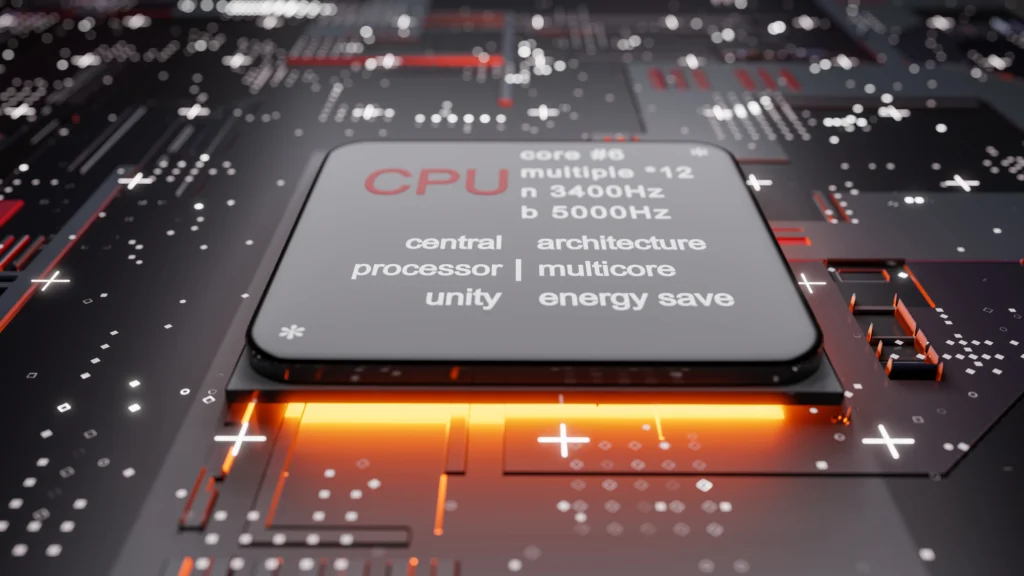
A CPU cluster and a GPU cluster both connect multiple machines, but they are built for different types of work.
CPU Cluster
A CPU cluster is strong for general computing. It works well for databases, web applications, business systems, background jobs, and tasks that do not need massive parallel processing.
GPU Cluster
A GPU cluster is better for AI workloads because GPUs can process many calculations at once. This makes them useful for model training, inference, computer vision, and high-performance computing.
Main Difference
The main difference between a CPU cluster and a GPU cluster is workload style.
CPU clusters are ideal for flexible general tasks, while GPU clusters excel at repetitive, math-intensive tasks that can be run in parallel.
Can AI Run Without a GPU?
Yes, AI can run without a GPU, but performance depends on model size, workload type, and user demand.
Small AI models can run on CPUs. Lightweight inference can also work without GPUs in some cases. However, large models and high-traffic applications usually need GPUs to stay fast and cost-effective.
For serious production AI, GPUs are often the practical choice. For early testing, a CPU or small cloud instance may be enough.
Best Practices for GPU Cluster Planning
From an infrastructure view, “What is a GPU cluster in an OpenAI context?” can be answered as a planning problem. The best cluster is not always the largest one. It is the one that matches the workload.
-
Start With the Workload
Do not start by asking which GPU is best. Start by asking what the system must do.
Define the model size, expected users, response-time goals, data volume, compliance needs, and budget.
-
Measure Before Scaling
Run small tests before buying or renting large capacity. Measure GPU use, memory pressure, job time, latency, and failure rates.
This helps you avoid overpaying for hardware you do not need.
-
Plan for Operations
A cluster needs updates, monitoring, access control, backups, and performance tuning.
If your team lacks infrastructure experience, a managed or rental model may be safer than building from scratch.
Common Mistakes to Avoid
GPU clusters can result in waste when teams prioritize hardware over strategy.
- Buying GPUs before defining the workload
- Ignoring network speed
- Using slow storage
- Underestimating power and cooling
- Forgetting security and access control
- Running jobs without cost tracking
- Treating training and inference as the same problem
- Building in-house when renting would be cheaper
- Renting long-term without checking ownership costs
Cost planning starts with one question: What is a GPU cluster in an OpenAI context for your own workload? The answer may be different for a startup, a research lab, an enterprise AI team, or a SaaS platform.
Future of GPU Clusters in AI Infrastructure
GPU clusters will remain important as AI systems become more demanding. The main shift will be toward better efficiency, stronger orchestration, and more flexible access.
- AI data centers will focus more on power, cooling, and GPU density.
- Inference optimization will become more important as AI apps gain users.
- Hybrid setups will grow for teams that need both control and flexibility.
- GPU rental will remain useful for testing, scaling, and short-term projects.
- Cost per output will become a key metric for AI products.
- Managed infrastructure will appeal to companies that want results without cluster maintenance.
Conclusion
A GPU cluster in the context of OpenAI is the compute foundation that enables large AI systems to run faster, serve more users, and manage workloads that a single machine cannot handle.
A GPU cluster for AI is useful for training, fine-tuning, inference, simulations, and high-performance computing. It can improve speed, scalability, and reliability. However, it also brings cost, setup, and management challenges.
The right choice depends on your workload. Some teams should use APIs. Some should rent GPU capacity. Others should build dedicated infrastructure when usage becomes stable and predictable.
At Flexlab, we help teams turn the question “What is a GPU cluster in an OpenAI context?” into a practical infrastructure plan. If your AI workload is growing, the next step is to assess your compute needs, cost model, and deployment path before investing.
FAQs
1. How Many GPUs Are in a Cluster?
A GPU cluster can have two GPUs or thousands, depending on the workload. Small teams may start with four to eight GPUs, while large AI labs use much more compute.
2. What Is a GPU Cluster in an OpenAI Context?
It is connected GPU infrastructure used to train, fine-tune, and run large AI systems. It helps AI platforms handle more data, more users, and faster responses.
3. Can AI Run Without a GPU?
Yes, small AI models can run on CPUs or lighter hardware. Large models and busy AI applications usually need GPUs for speed and cost control.