

The Impact of Automation Testing on Software Reliability
AI Assistants | AI Automation Agency | AI Automation Tools
Automation testing stops app launch disasters like login glitches or crashes, slashing bugs by 70% and accelerating releases in today’s high-stakes dev world.
Powered by tools like Selenium and CI/CD pipelines, it turns chaotic manual checks into precise, scalable quality machines that crush regression woes and edge cases. Whether battling tight deadlines or manual limits, discover how it outperforms while Flexlab’s AI-driven QA supercharges your workflow.
Dive in for strategies, top tools, and pro tips top teams use for bulletproof software in 2026!
What is Automation Testing?
Automation testing is a software testing approach that leverages tools and scripts to execute test cases automatically without human intervention. It executes predefined scripts that mimic user actions, compares results against expectations, and crafts reports on passes or failures. As compared to manual testing, it handles repetitive tasks effortlessly, such as write once, run endlessly on unit, API, UI, or regression levels. It increases testing efficiency and accuracy while decreasing time-consuming tasks. Moreover, automation testing tools like Selenium or Appium are turning tedious checks into efficient processes that scale with app complexity.
-
Why Use Automation Testing?
If you’re wondering why to use automation testing, here is your quick answer: Entrepreneurs and development teams save massive time on repetitive tasks by using it, and boost efficiency by up to 70% in large projects. Furthermore, it eliminates human errors caused by fatigue, ensures consistent results, and expands coverage to edge cases that are often skipped by manual testers. In a nutshell, it reduces costs for long-term and supports frequent releases in agile environments.
-
When to Use Test Automation
Automate tests that repeat frequently, such as regression tests after updates, or involve high volumes, like cross-browser checks. Skip it for one-off exploratory tests or ad-hoc UI tweaks better suited to humans. Ideal timing hits during stable sprints, post-unit coding, or in CI/CD for every commit to keep quality high without slowing velocity.
Manual Testing vs Automation Testing
Manual testing is executed by hand without using any tools, mimicking end-user interaction to detect bugs, usability issues, and gaps in requirements. It solely depends on observation, exploration, and judgment to validate software functionality in real-world scenarios.
On the other hand, automation testing uses scripts and specialized tools to run predefined test cases automatically. It checks on code repetitively, interfaces, or performance with consistent precision and speed.
A Brief Comparison: Manual Testing vs Automation Testing
| Aspect | Manual Testing | Automation Testing |
| Execution | Human-driven, step-by-step by testers | Scripted via tools like Selenium or Cypress |
| Speed | Slower for repeats, flexible for ad-hoc | Fast for large-scale, parallel runs |
| Accuracy | Subject to human error or fatigue | Highly consistent, no variability |
| Cost | Low initial setup, high ongoing labor | Higher upfront scripting saves long-term |
| Coverage | Good for exploratory, limited volume | Excellent for regression, broad scenarios |
| Best For | UX, one-offs, unstable early builds | Repetitive tasks, CI/CD pipelines |
How Does Automation Testing Improve Software Quality?
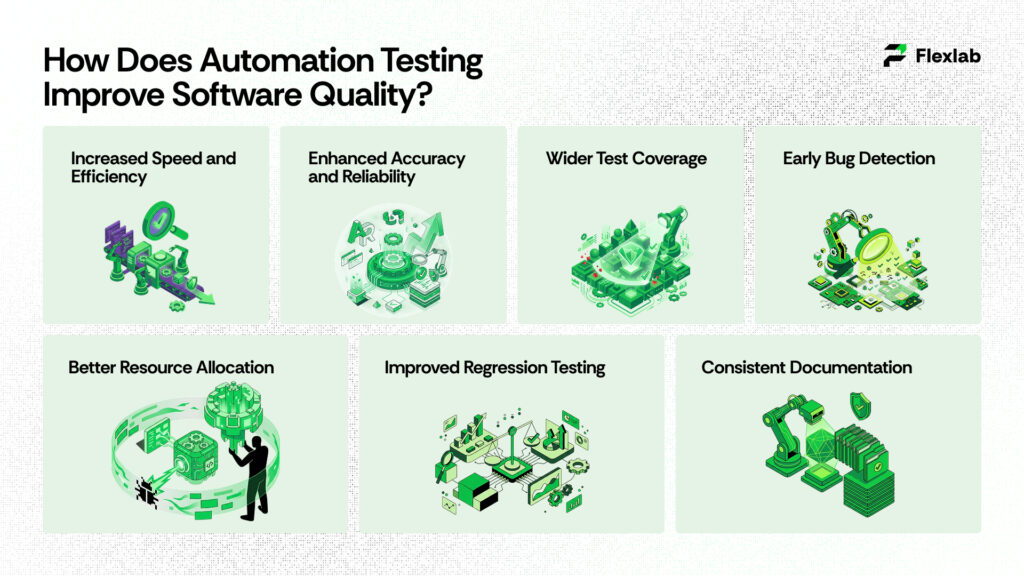
Automation testing boosts software quality through faster execution, error-free consistency, and scalable coverage. Here are the benefits of test automation that deliver real impact.
- Increased Speed and Efficiency
- Enhanced Accuracy and Reliability
- Wider Test Coverage
- Early Bug Detection
- Better Resource Allocation
- Improved Regression Testing
- Consistent Documentation
Increased Speed and Efficiency
Automated tests run significantly faster than manual tests. It allows more frequent execution after every code change. This rapid execution is the foundation of the Continuous Integration/Continuous Delivery CI/CD pipeline. It provides faster feedback loops for developers and boosts the overall delivery of updates or new products to market.
Enhanced Accuracy and Reliability
Automated tests follow a predefined script every time. As a result, it prevents the human error that can occur during repetitive manual testing. This consistency provides reliable and accurate results. It also gives a higher level of confidence in the application’s quality.
Wider Test Coverage
Test automation executes thousands of complex test cases and scenarios, including edge cases and performance tests. These test cases are impossible or impractical to cover by manual testing. Therefore, automated tests provide comprehensive coverage that identifies more defects and vulnerabilities before they reach production.
Early Bug Detection
When tests are run frequently and automatically from the earliest stages of the software development life cycle (SDLC), such as during unit testing, defects are detected much sooner. As a result, bugs can be identified earlier and fixed promptly. Consequently, this approach makes issue resolution far less time-consuming and significantly more cost-effective.
Better Resource Allocation
Automation frees human testers from repetitive and time-consuming tasks. As a result, it allows them to focus on more complex, strategic, and exploratory testing, as well as user experience design and innovation. Moreover, automation scales effortlessly for large projects, thereby optimizing human resources for higher-value work. Ultimately, overall productivity increases as teams avoid burnout caused by routine checks.
Improved Regression Testing
After each update, automation swiftly revalidates the entire application to ensure that no existing features break, a process that would be too slow to perform manually. Furthermore, it maintains a living test suite that evolves alongside the codebase, thereby preserving stability across versions. As a result, this approach ensures long-term quality even as the software becomes increasingly complex.
Consistent Documentation
Test scripts serve as living documentation, clearly outlining expected behaviors and code interactions. In addition, they generate reports containing logs, screenshots, and metrics, which facilitate easy auditing and stakeholder reviews. Consequently, this traceability supports onboarding, ensures compliance, and aids in post-mortem analysis.
6 Key Types of Automation Testing
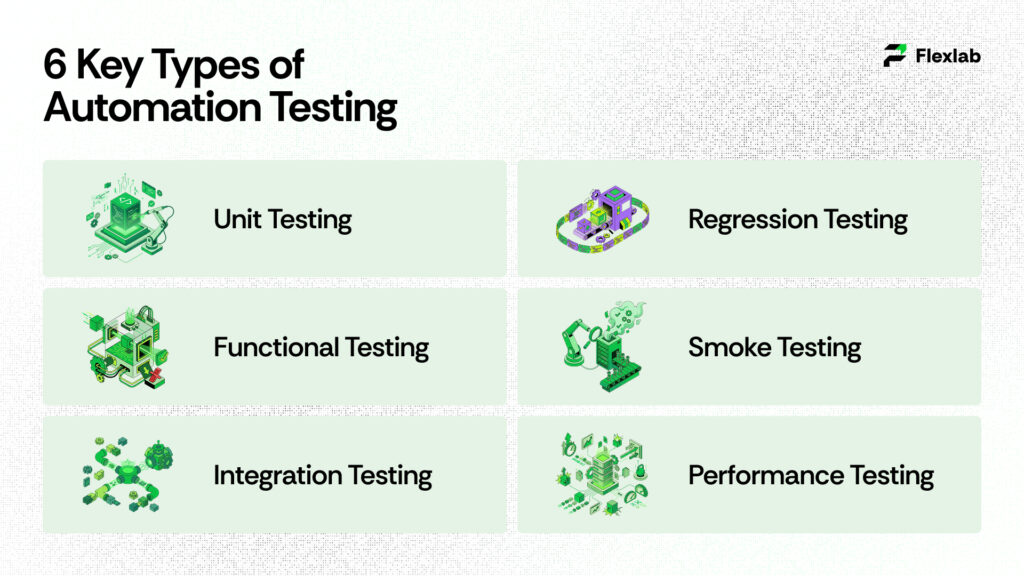
Automated testing is essential for software reliability. It detects issues earlier and ensures high quality. Let’s have a look at the 6 types of test automation that everyone should know for effective software development.
- Unit Testing
- Functional Testing
- Integration Testing
- Regression Testing
- Smoke Testing
- Performance Testing
- UI Testing
1. Unit Testing
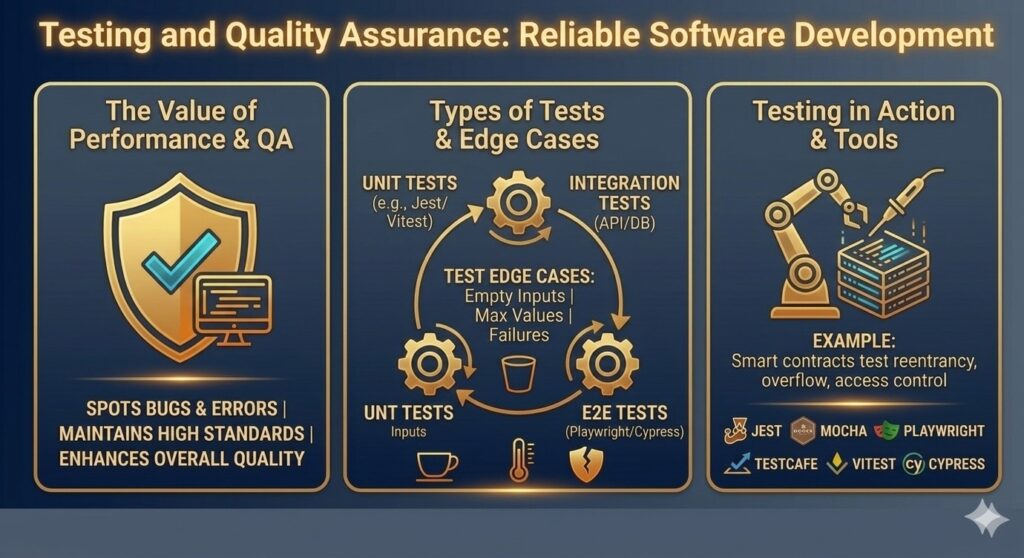
Unit testing tests individual or the smallest parts of the code components automatically, like functions or methods, in isolation to verify they work correctly without dependencies. This test detects errors earlier in software development. It reduces fixed costs and uses automation testing frameworks like JUnit or pytest for quick execution. This test can be run frequently during coding for immediate feedback.
2. Functional Testing
Functional testing automates checks to ensure the software meets specified requirements and performs expected behaviors from a user’s perspective, validating inputs, outputs, and business logic without peeking inside the code. It treats the app as a black box, focusing on what it does, like login flows, form submissions, or payment processing, rather than how it’s built. Tools like Selenium, Katalon, or TestComplete simulate real user journeys across scenarios. This catches mismatches between features and specs early, preventing user frustration in production.
3. Integration Testing
Integration testing automates verification of how separate modules or services interact, ensuring data flows correctly between them. It uncovers interface issues that unit tests miss, such as API mismatches, using tools like Postman or Selenium. Ideal after unit tests to build confidence in combined functionality.
4. Regression Testing
Regression testing automates re-running existing tests after code changes to ensure that new updates do not break prior features. Since this process is highly repetitive, it is ideal for automation within continuous integration pipelines like Jenkins. Furthermore, maintaining a suite of these tests for every release helps preserve overall stability.
5. Smoke Testing
Smoke testing automates basic checks on core features to ensure the build is stable enough for deeper testing. Consequently, it quickly identifies major failures, saving time on faulty versions, and often runs post-deployment. In essence, think of it as a “quick health check” before executing full test suites.
6. Performance Testing
Performance testing automates load simulations to measure speed, scalability, and stability under user stress. Tools like JMeter reveal bottlenecks, such as slow response times, helping optimize for real-world traffic. Use it for high-traffic apps to ensure smooth user experiences.
7. UI Testing
UI testing automates the validation of user interfaces by checking elements like buttons and forms across browsers and devices. As a result, it ensures visual consistency and responsiveness, often using tools such as Cypress or Playwright. This approach is essential for web and mobile apps where user interaction is critical.
Main Challenges Associated With Automated Testing
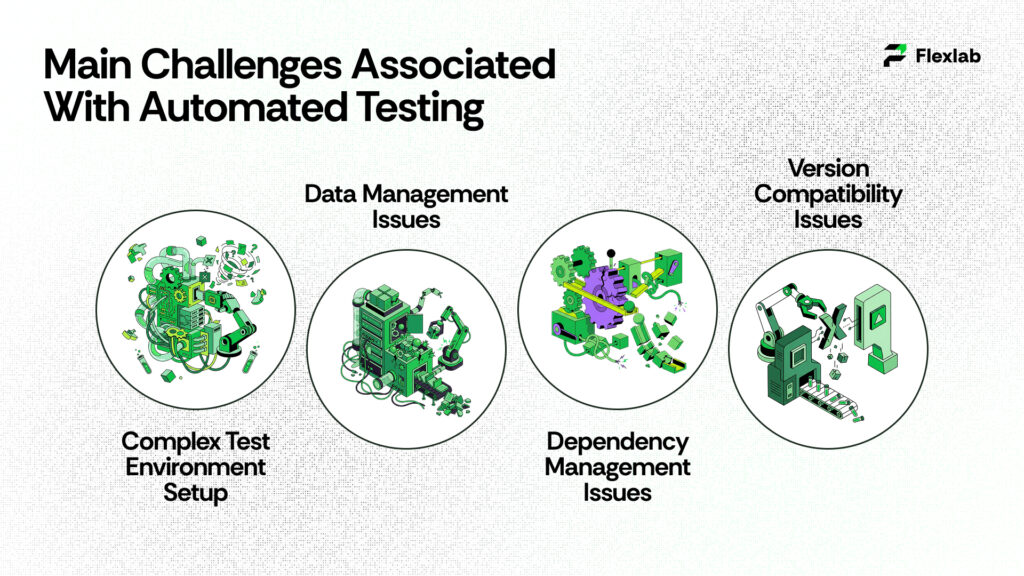
Automated testing brings big wins, but it comes with hurdles like tricky setups and data headaches that can slow teams down. Overcoming these requires smart planning, while following clear steps makes automation smooth and effective. Here’s a breakdown in plain terms to help you tackle both sides.
Complex Test Environment Setup
Setting up the right environment for automated tests often feels like piecing together a puzzle, with databases, APIs, and devices that don’t always cooperate. Consequently, it takes time to match production conditions exactly, and even one mismatch can cause flaky results or complete failures. To address this, start small with cloud tools like BrowserStack to mimic real setups without purchasing hardware, and use Docker for quick, repeatable configurations.
Data Management Issues
Managing test data is tough because you need fresh, realistic info without messing up production or repeating the same old datasets that hide bugs. Issues pop up like outdated data, broken scripts, or created redundant storage headaches. Fix it by generating synthetic data automatically and storing it in version control for easy updates and integrity checks.
Dependency Management Issues
Dependencies between tests, services, or external APIs can make runs brittle—change one thing, and everything breaks. As a result, fragile chains form where order matters, or third-party glitches halt progress. To mitigate this, pin versions, isolate dependencies using tools like mocks, and incorporate CI/CD scans to detect risks early.
Version Compatibility Issues
New app versions, browser updates, or Java bumps can crash tests due to mismatched class files or deprecated features. It’s frustrating when a simple upgrade breaks your suite overnight. Test across versions regularly, use compatibility matrices, and lock tools to stable releases while planning upgrades
Top Automation Testing Tools for 2026
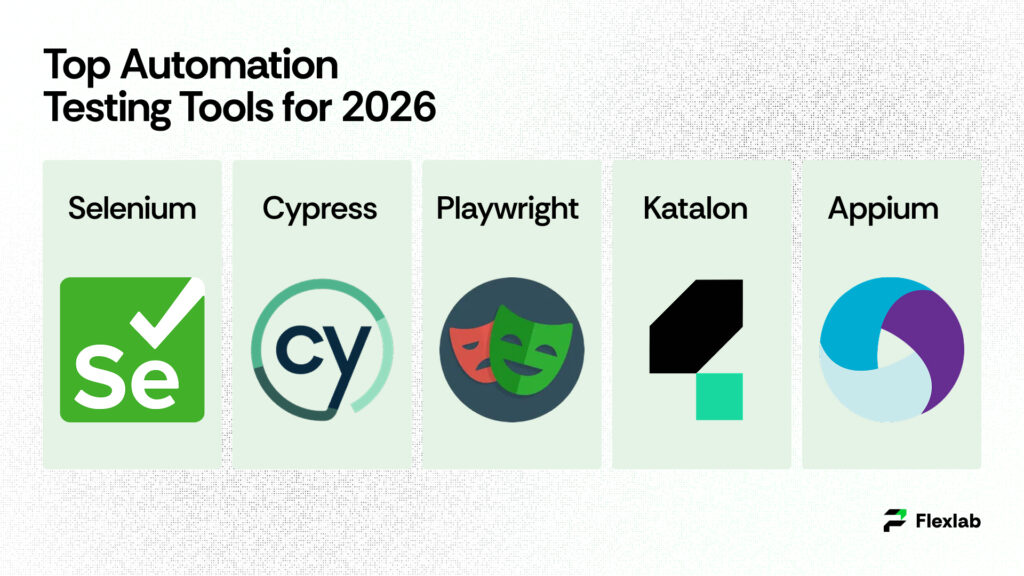
Top automation testing tools for 2026 stand out for their speed, AI smarts, and cross-platform support, helping teams test web, mobile, and APIs faster. These picks come from recent industry rankings and suit different needs like open-source flexibility or enterprise scale. Here’s a curated top 6 with key strengths to pick the right one for your projects.
1. Selenium
Selenium testing leads as the go-to open-source framework for web testing across browsers and languages like Java or Python. It shines in cross-browser automation with WebDriver for reliable scripts and Grid for parallel runs. Free and battle-tested, it’s ideal for devs building custom suites but needs coding skills.
2. Cypress
Cypress testing excels in modern web apps, offering real-time testing, auto-waits, and time-travel debugging directly in the browser. In addition, it is JavaScript-focused, super fast for end-to-end tests, and easy for frontend teams to use. Moreover, as an open-source tool with paid cloud options, it is perfect for quick feedback loops without setup hassles.
3. Playwright
Microsoft Playwright offers robust cross-browser support for Chromium, Firefox, and WebKit, along with mobile emulation and API testing. In addition, it handles flaky tests effectively through auto-retry and parallelism, making it ideal for complex apps. Moreover, as an open-source and reliable tool, it is rapidly gaining popularity for full-stack automation.
4. Katalon
Katalon provides a low-code platform for web, mobile, API, and desktop tests, featuring built-in recording and AI visuals. In addition, it integrates easily with CI/CD and scales for teams, blending scriptless ease with advanced reporting. Moreover, its free tier makes it ideal for non-coders in QA-heavy workflows.
5. Appium
Appium dominates mobile automation for iOS and Android native or hybrid apps, using a single API similar to Selenium. In addition, it supports both real devices and emulators without requiring app changes, making it ideal for cross-platform testing. Moreover, as an open-source and extensible tool, it remains a staple for mobile-first projects.
6. Leapwork
Leapwork tops no-code lists with visual flows for end-to-end testing across web, desktop, and mainframes. AI handles maintenance, and it offers strong analytics for enterprises. Paid but scalable with CI/CD hooks, best for business users, speeding up regression without scripts.
Step-by-Step Guide on How to Start Automation Testing From Scratch
Automating testing saves time and catches bugs early by running scripts instead of manual checks. Follow these straightforward steps to get started, even if you’re new to it. This process works for most apps, from web to mobile.
-
Select the Right Tools
Pick tools that match your app, such as Selenium for web UI, JUnit for Java units, or Cypress for modern frontends. Additionally, consider team skills and free options first to avoid steep learning curves. Then, test a few on simple scripts to see which works best.
-
Define Scope and Plan
Decide what to automate by focusing on repetitive tests, such as logins or forms, while skipping one-offs. Next, map out goals, timelines, and data needs in a simple plan. Finally, prioritize high-impact areas to achieve quick wins and maximize ROI.
-
Design Test Cases
First, write clear, reusable test scenarios that cover both happy paths and edge cases. In addition, keep them independent so that one failure does not affect others. Finally, use data-driven approaches to swap inputs easily without rewriting code.
-
Build the Framework and Scripts
Set up a framework like pytest or Robot for structure, then code modular scripts with good names and error logs. Start small, version control everything in Git, and add mocks for tricky dependencies. Make scripts readable for easy handoffs.
-
Set Up Environments
Create clean, isolated setups using Docker or cloud services like BrowserStack for real browsers and devices. In addition, match production as closely as possible without the hassle. Finally, automate provisioning to spin up fresh environments for each run.
-
Execute Tests
Hook into CI/CD tools like Jenkins or GitHub Actions to run tests on every code push. Additionally, schedule parallel runs for speed and monitor dashboards live. Start with nightly builds, and then move to continuous testing for faster feedback.
-
Analyze Reports and Maintain
Review logs, screenshots, and metrics immediately after runs to log bugs quickly. Then, update scripts for app changes weekly and treat maintenance like code upkeep. Finally, tweak flaky tests and gradually expand coverage for lasting value.
Unlock 70% Faster Releases: Flexlab’s Automation Testing Secrets

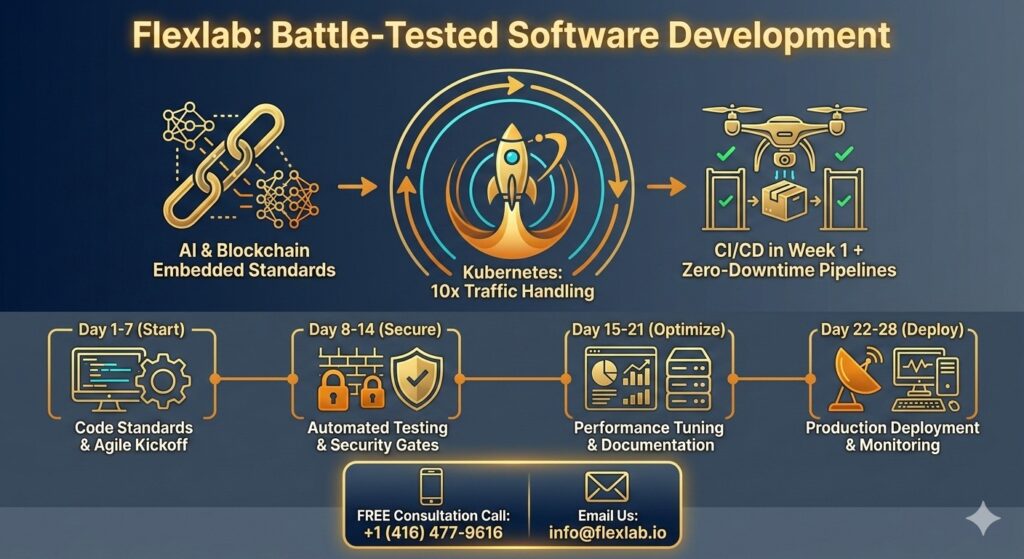
Flexlab, a premier software development company specializing in AI and blockchain, empowers teams to excel in automation testing through comprehensive quality assurance and seamless DevOps services. In addition, they leverage top tools like Selenium, Cypress, and Appium to build custom frameworks that automate unit, integration, UI, and security testing techniques, thereby ensuring robust coverage across web, mobile, and API landscapes.
By integrating security testing for vulnerabilities and compliance early in CI/CD pipelines, we catch issues proactively, minimizing risks without compromising speed. Our DevOps services optimize environments with Jenkins and GitHub Actions for parallel runs and real-time dashboards, while AI-driven maintenance handles flaky tests automatically.
This approach not only boosts efficiency and reliability but also frees developers for innovation, delivering high-ROI outcomes. As a trusted partner, Flexlab transforms testing from a bottleneck into a strategic advantage, helping Automation-based projects release faster and more reliably.
Ready To Elevate Your Automation Testing Strategy?
📞 Book a FREE Consultation Call: +1 (416) 477-9616
📧 Email us: info@flexlab.io
Final Verdict: Automation Testing
In conclusion, automation testing transforms software development by delivering superior speed, accuracy, wider coverage, early bug detection, optimal resource use, robust regression checks, and clear documentation, outshining manual methods in repetitive, scalable scenarios while complementing human intuition for UX exploration.
Ready to take a free consultation for Automation testing? Contact us now, visit our LinkedIn page, and explore the blockchain and AI blog page for more insights, tool guides, and discover AI Strategy Consulting, AI Marketing Tools, Generative AI Applications, and Multimodal AI.
FAQs
Q1: What are the skills required for automation testing?
Automation testing requires strong programming skills in languages such as Java, Python, or JavaScript to write robust scripts. Familiarity with tools such as Selenium, Cypress, or Appium is essential for handling UI, API, and mobile tests. Knowledge of CI/CD pipelines like Jenkins, version control with Git, and frameworks like TestNG or pytest boosts efficiency.
Q2: Is automation testing a high-paying job?
Yes, automation testing ranks as a high-paying role, with salaries often ranging from $90,000 to $140,000 annually. Demand surges due to tech growth, skill shortages, and the need for faster release cycles in software firms. Senior roles or those with AI/ML expertise can exceed $160K, especially in hubs like Silicon Valley or remote setups.
Q3:What is an example of automated testing?
A classic example is a Selenium WebDriver script that automates user login on a web application. First, it inputs credentials and submits the form, then verifies successful dashboard access and logs screenshots upon failure. Consequently, this script runs repeatedly in CI/CD pipelines to catch regressions without manual effort. As a result, such tests ensure reliability across browsers like Chrome and Firefox.



































One Response